No suitable work?
Check the requirements and availability shown in game. Do not spend Coins on an assumed unlock. Ask staff if the board appears empty or unavailable, or find companions in Looking for Group.
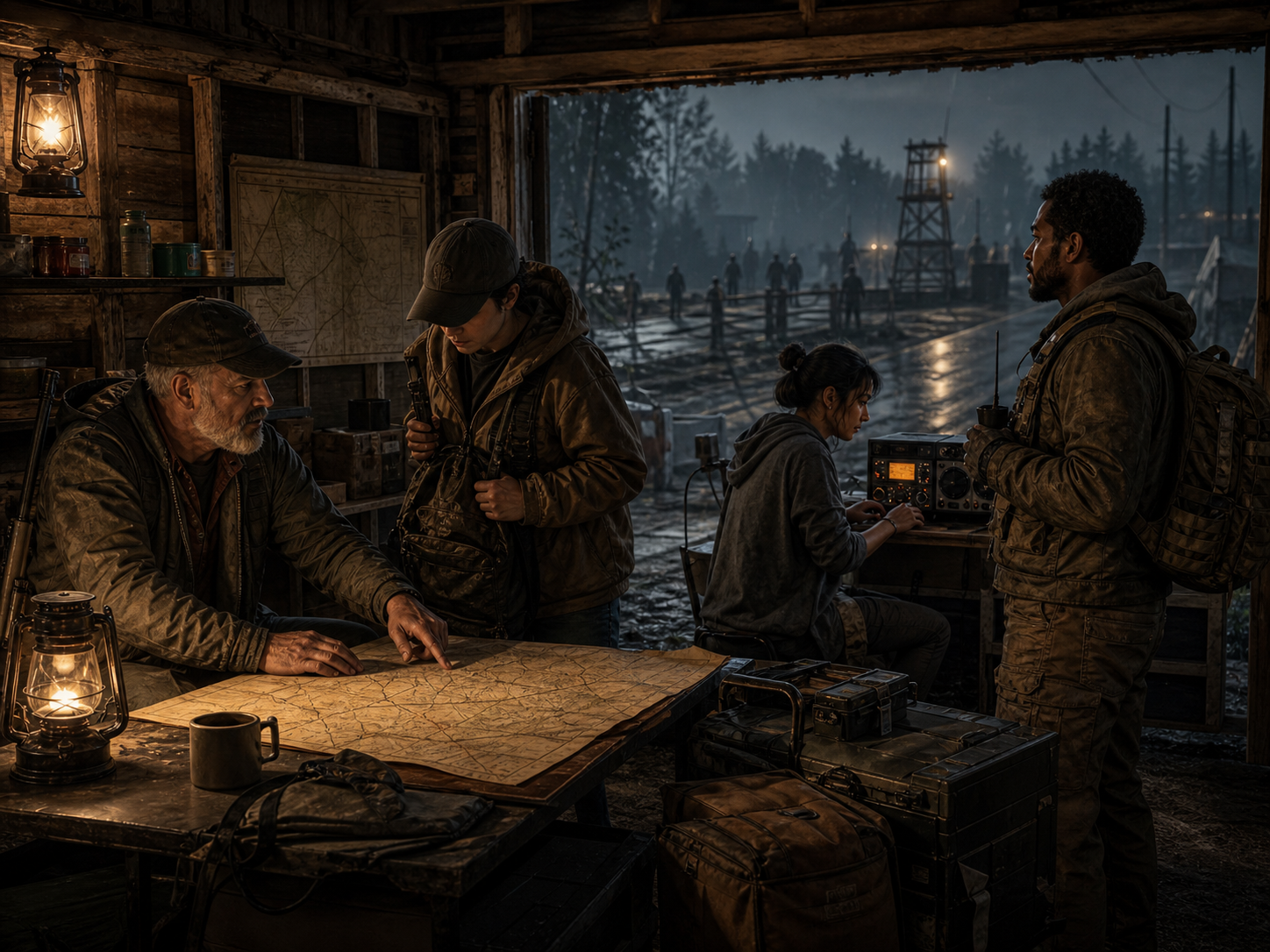
Server · Discord · survivor community
One road into the server, the community, and the people keeping the signal alive.
Members' preseason test week
Members are welcome to help test CountyContracts ahead of the new season planned for this weekend. Ordinary play and honest feedback help. Check County Signal in the Chronicle for current availability before connecting. This is a test world, not the season launch.
Start with the pinned CountyContracts resident guide in Welcome and read the Survivor Code. Then introduce yourself in Town Square or find companions in Looking for Group. Staff and crews can help you find your feet; the County will supply the paperwork.
Open the county invite →Use the official collection so the approved maps, vehicles, frameworks, and quality-of-life mods download together.
Open Steam collection →First read the test-week announcement in Discord and any access requirements. Use the exact game version shown in the Chronicle's County Signal, then add play.godscountrygaming.com on port 16261. Check the signal's update time. Expect restarts and interruptions. The test world, characters and all in-game progress will reset before the new season.
Choose from the spawn locations offered by the running server, then follow the first-day guide below. Relaunch spawn options remain subject to live validation.
CountyContracts orientation
Use test week to try the new-character journey and tell us where it feels confusing. Available services and work are confirmed in game. Test-week purchases, property and inventory will not carry over to the new season.
Find the County Chronicle in your starting inventory and use its Read action. It introduces the County and explains where to collect your PDA. The paper is orientation, not an employment contract.
Follow the paper's directions and collect your first CountyNet PDA through the Depot. If the Depot or starter option is missing, stop and ask staff rather than buying another PDA.
Browse the PDA contract board. Check the objective, travel, requirements, deadline, kit conditions and payment terms. A crew reward is not automatically each member's pay. Choose work you can reasonably finish.
Pack for the journey and arrange companions before committing. Use the PDA to accept or request to join; a Discord reply does not reserve work. Do not assume a mission kit replaces your own supplies.
Use the active job's instructions and progress in game. If progress stops, record the objective and error before retrying. Do not abandon or repeat a paid action just to clear an uncertain result.
Check the confirmed outcome and reward on the PDA. Current prices and balances stay in game: 100 Bits = 1 County Coin. Discover a shop, meet a crew or explore the next suitable posting. Trading still requires a visit to the physical counter.
Ask staff for help and describe which step failed. Do not buy replacements or repeatedly create characters to work around onboarding. Include the server build and any on-screen error in your private support request.
Check the requirements and availability shown in game. Do not spend Coins on an assumed unlock. Ask staff if the board appears empty or unavailable, or find companions in Looking for Group.
Keep the on-screen message and receipt, if one is shown, for a private support ticket. Avoid repeating the transaction while its outcome is uncertain.
Read the latest dated Chronicle update before relying on old spawn directions, prices or claim rules. Explore the mod and meet its radio voices; previews are not launch announcements.
The community front gate
Use godscountrygaming.com/invite and begin with the pinned guide in Welcome. One front door; several departments willing to explain why it is someone else's door.
Introduce yourself, follow the pinned resident guide in Welcome, and read the Survivor Code. Private problems belong in Service Tickets.
Discord's County Signal is server information only. The Chronicle carries launch announcements, County stories, and verified mod updates, not routine restart chatter.
Find companions in Looking for Group and coordinate work in the contracts forum. Replies do not reserve official work: acceptance and crew requests happen in the in-game PDA.
Find survivor shops, offers and services in the Marketplace. Listings and stock updates are manual. Trades happen in game; faction shop purchases and stock management require a visit to the kiosk. Radio ads need staff approval.
Use Game Bugs for reproducible problems: what happened, when, where and the steps to repeat it. Account details, private receipts and exploit instructions belong in Service Tickets, not public reports.
Voice rooms for scavenger runs and settlement planning. Discord's In-Game Radio is the global-chat relay, not the County Public Radio audio broadcast.
The survivor network
Travel alone, join a crew, or build a settlement people recognize on sight. Cooperation is encouraged without forcing one play style.
Introduce yourself in Town Square, then use Looking for Group when you are ready to travel or take county work.
Share the crew name, a contact and its public purpose in Settlements & Factions. Tell staff what may be published; a Discord introduction does not create an in-game faction or property claim.
Talk to staff about planning threads or voice space for an active crew. Availability and current community requirements are confirmed by staff, not guaranteed by this guide.
Use the hub and spawn information confirmed for the running world. Older Dead Stop coordinates are historical directions, not a relaunch destination. A public meeting point is not a promise of safety.
Roadside repairs
Start with server access, the exact game build and completed Workshop downloads. Keep the error message before changing your installation.
See County Signal in the Chronicle for availability, maintenance, and restart information. Check the update time as well as the status.
Use the exact version shown in the Chronicle's County Signal. This avoids stale instructions after a server update.
Close the game, let Steam finish queued downloads from the official collection, then relaunch. If a mismatch remains, note the named mod and ask staff before unsubscribing from the entire collection or deleting files.
Open a private Discord service ticket with the time, server build, failed step and exact error. If staff request console.txt, review it for personal details or credentials before sharing. Do not post logs, private receipts or exploit instructions in public channels.
Need the rules, categorized mod list, or common answers? Open the County Handbook →